
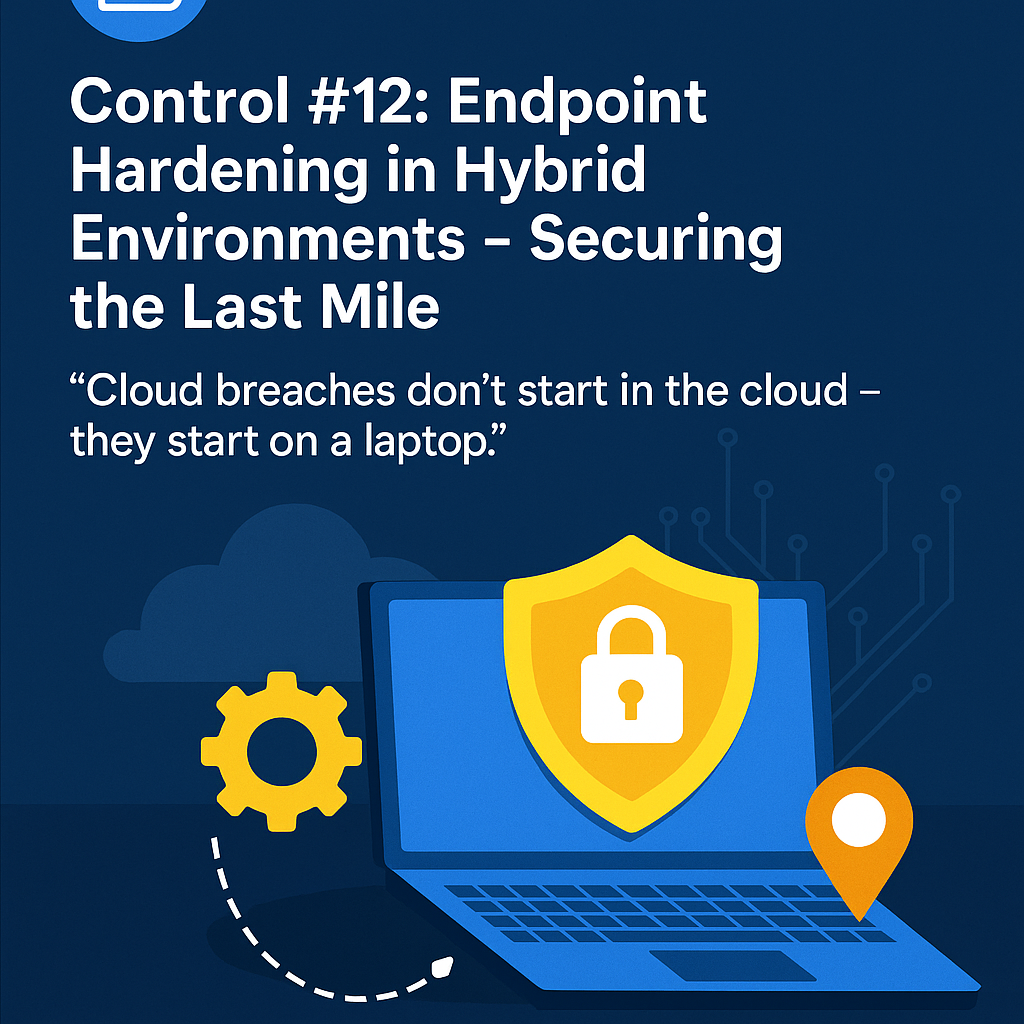
🎯 Goal: Help organizations reduce attack surface and lateral movement risk by applying security baselines to endpoints in cloud-integrated environments (remote work, BYOD, hybrid cloud, SaaS-heavy).
💻 CloudCSF Day 13
Control #12: Endpoint Hardening in Hybrid Environments – Securing the Last Mile
“Cloud breaches don’t start in the cloud – they start on a laptop.”
🧨 Endpoint: The Underrated Entry Point
Modern cloud attacks don’t always exploit APIs or cloud misconfigs — they often start with:
- A compromised user device (via phishing or malware)
- Stolen session cookies leading to cloud session hijack
- An endpoint with no disk encryption, no EDR, and admin privileges
Once inside?
Attackers pivot to:
- Cloud consoles
- Shared drives
- Source code repos
- Internal dashboards
👉 Weak endpoints are the fast lane to cloud compromise.
🔍 What Is Endpoint Hardening in Cloud Security?
Hardening means:
- Enforcing baseline configurations (CIS, STIG, etc.)
- Enabling disk encryption, firewall, and secure boot
- Using EDR/XDR agents with alerting and response
- Restricting local admin privileges
- Enforcing device posture for SaaS/cloud access (via MDM, ZTNA)
✅ 5-Step CloudCSF Endpoint Hardening Test
- Baseline Configuration Compliance
- Are systems aligned with CIS Benchmarks?
- Use tools: Microsoft Security Baselines, Jamf, Intune, Chef InSpec
- Check Encryption & Boot Protections
- BitLocker/FileVault status
- Secure Boot / UEFI lock
- BIOS password enabled?
- EDR/XDR Deployment Status
- CrowdStrike, SentinelOne, Defender ATP, Tanium, etc.
- Are agents installed and reporting? Alerts active?
- Privilege Hygiene Check
- Count users with local admin access
- Enforce Just-in-Time admin rights (JIT PAM)
- Cloud Access Posture Enforcement
- Can a non-compliant device access your SaaS or cloud apps?
- Use device trust + conditional access (Intune, Okta, Zscaler)
📊 Endpoint Hardening Maturity Levels
| Level | Description |
|---|---|
| 🚫 0 – Unmanaged | No control, BYOD with admin rights |
| ⚠️ 1 – Antivirus Only | Basic AV, no config or visibility |
| 🔁 2 – Encrypted + EDR | Baseline hardening started |
| 🔐 3 – Policy-Enforced | Managed via MDM, with alerts |
| 🛡️ 4 – Zero Trust Device Trust | Access gated by compliance status |
🛠️ Tools You Can Use
- ✅ Microsoft Intune, Jamf, Kandji, Workspace ONE
- ✅ CIS CAT Pro, OpenSCAP, InSpec
- ✅ EDR/XDR: CrowdStrike, SentinelOne, Defender ATP
- ✅ Conditional Access: Okta Device Trust, Azure AD CA
- ✅ Encryption Enforcement: BitLocker, FileVault, VeraCrypt
💡 CloudCSF Pro Tip
“Don’t just ask ‘is the endpoint secure?’ Ask: Can it reach the cloud before it’s verified?”
🎁 Free Resource
👉 [Download: Endpoint Hardening Checklist (PDF)]
👉 Join the CloudCSF WhatsApp Group for daily guides
💬 Comment :
What’s your biggest challenge in managing remote/hybrid endpoints securely?
Comment “Endpoint 🛡️” to get the checklist instantly.
🔁 Coming Tomorrow:
Day 14: Control #13 – Cloud IAM Misuse: Preventing Privilege Creep & Role Explosion