
🔐 CloudCSF – Day 30 | Zombie Permissions: The Silent Access Risk
🎯 Security Control #30: Audit Inactive but Privileged Accounts
📊 Risk Level: CRITICAL | Audit Time: 20 mins | ROI: Massive
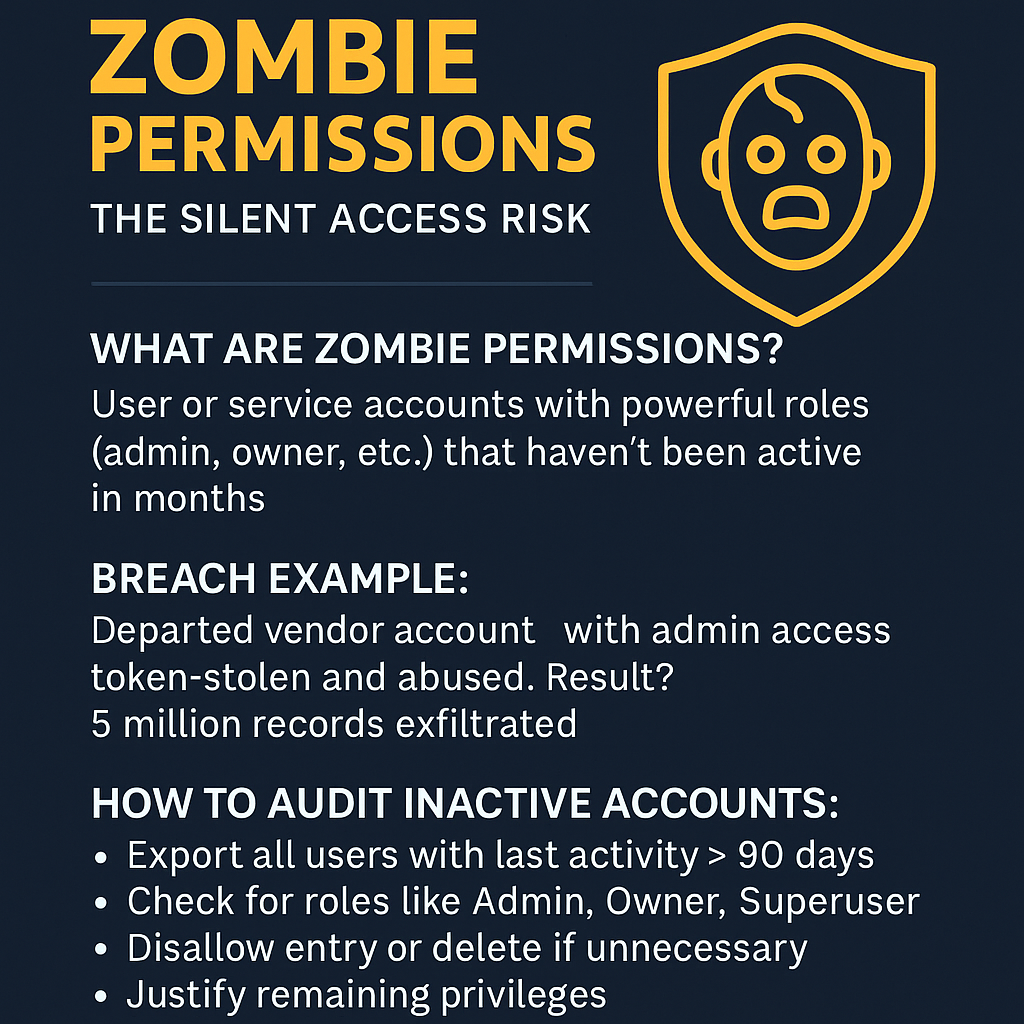
💀 What Are Zombie Permissions?
These are user or service accounts that still hold powerful roles (admin, owner, superuser) — but haven’t logged in or been used in months.
They are silent, invisible, and dangerously alive… until attackers find them.
📉 Real Breach Example:
A retail giant suffered a data breach when a long-departed vendor account with “read-all” access to cloud storage was token-stolen and abused, resulting in 5 million leaked customer records.
✅ Actionable Steps Today:
- Export all IAM users with last login > 90 days
- Check for roles like Owner, Admin, Root, Storage Full Access
- Deactivate or delete if unapproved
- Rotate credentials for those still valid
- Document justification for keeping privileged access
📥 Download Free Template:
📂 Zombie Permission Audit Sheet – Excel Format
Track high-privilege idle accounts across AWS, Azure, GCP, SaaS, and AD environments.
🔒 Bonus Insight:
Zombie permissions are often missed during regular audits. Schedule this every 60 days to maintain lean, clean IAM posture.
🙋♂️ Who’s Responsible?
Tag your IAM Admins, DevOps Leaders, Cloud Engineers, and Security Teams now.
📣 Contact : How often do you audit inactive high-privilege accounts?
#CloudCSF #ZombiePermissions #CloudSecurity #IAMAudit #PrivilegeCreep #InactiveUsers #AccessControl #CybersecurityChecklist #DigitalTrust #SecurityByDesign #CISOInsights #CloudRiskReduction #Day30 #OneControlAtATime