
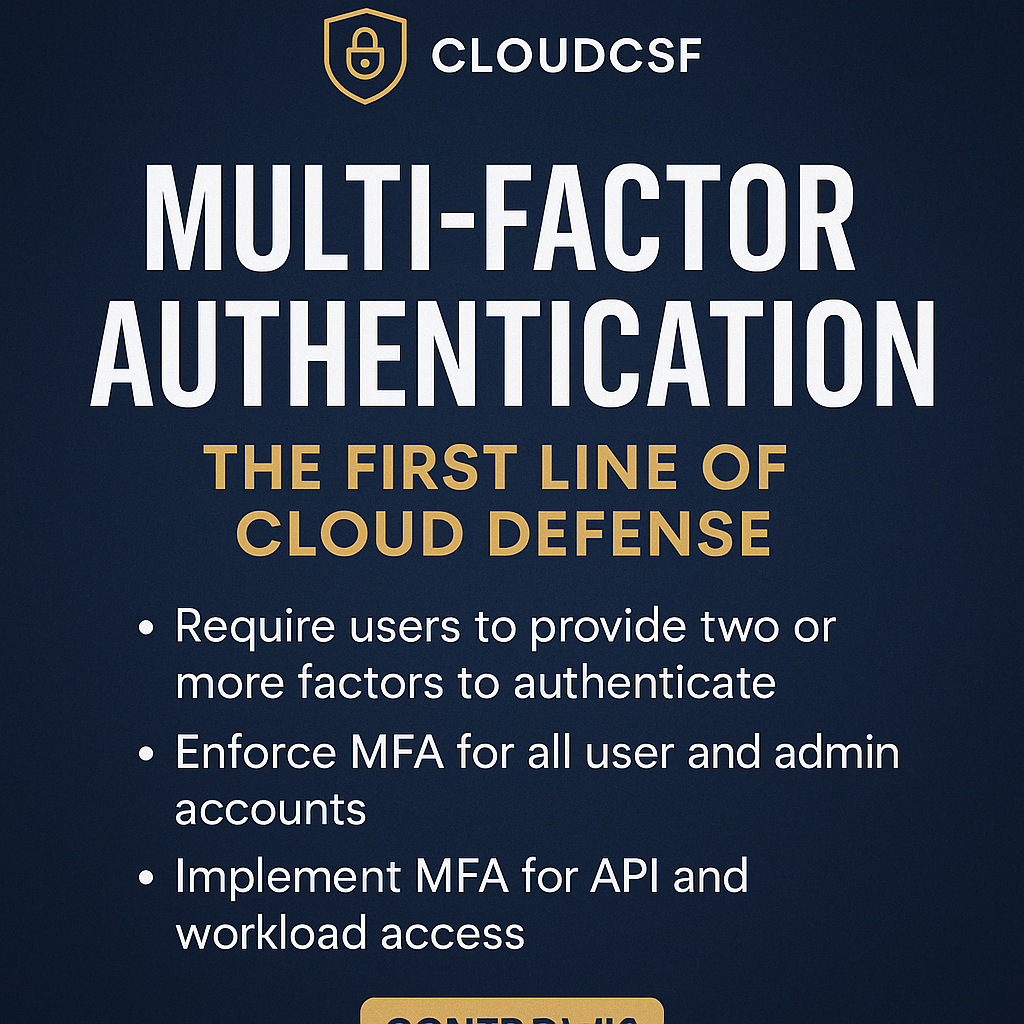
🔐 CloudCSF Day 4
Control #3: Multi-Factor Authentication (MFA) – The First Line of Cloud Defense
“If a password is your only lock, you’re inviting the breach.”
⚠️ MFA is No Longer Optional — It’s Foundational
Even the most advanced security architecture crumbles if a user gets phished and MFA isn’t there to stop the intruder.
Here’s what we know from breach forensics across industries:
- 🧑💻 Admin login without MFA = full compromise
- 🤖 API access tokens without MFA = silent data leaks
- 🧭 IAM roles without MFA = lateral movement in minutes
👉 MFA is your first real-time stop against unauthorized access.
🔍 What Is Multi-Factor Authentication (MFA)?
MFA ensures that logging in requires two or more of the following:
- Something you know (password, PIN)
- Something you have (OTP device, mobile app, token)
- Something you are (fingerprint, face scan, biometric)
It blocks over 90% of cloud-based phishing attacks — when implemented right.
✅ 5-Step MFA Control Test – CloudCSF Style
- Inventory All Access Points
- Human: IAM Users, Azure AD, GCP console
- Non-Human: API tokens, SSH keys, CI/CD systems
- Scan for MFA Coverage Gaps
- Who has access without MFA?
- Which console users don’t have MFA enforced?
- Validate MFA Enforcement Policies
- Is it optional, advisory, or mandatory?
- Do roles have MFA required for elevation?
- Test MFA Devices & Failover Readiness
- Can users bypass MFA via recovery emails?
- Are backup tokens secure?
- Apply Risk-Based MFA Logic (Advanced)
- Require stronger auth for high-risk actions
- Integrate with behavior analytics or geo-based controls
🎯 MFA Maturity Levels
| Level | Description |
|---|---|
| 🚫 0 – No MFA | Only username-password used |
| ⚠️ 1 – MFA Optional | Suggested, not enforced |
| 🔁 2 – Human MFA | Only for console users |
| 🔐 3 – Full User + Admin MFA | Enforced for all roles |
| 🛡️ 4 – Adaptive + API MFA | Context-aware and token-based MFA policies |
➡️ What level are YOU operating at?
🛠️ Tools You Can Use
- ✅ AWS IAM > MFA Reports
- ✅ Azure AD Conditional Access
- ✅ GCP > Security Settings Panel
- ✅ Duo, Okta, Auth0 for cross-platform MFA
- ✅ Red Canary, Detectify for MFA simulation testing
💡 CloudCSF Pro Tip
“MFA should be invisible to good users, but a nightmare for attackers.”
🎁 Free Resource
👉 [Download the “Cloud MFA Coverage Audit Sheet (PDF)”]
👉 Join our WhatsApp Group for daily action posts
💬 Comment :
Have you ever found a production admin without MFA?
Comment “MFA 🛡️” and we’ll send you the audit template.
🔁 Coming Tomorrow:
Day 5: Control #4 – Secure Cloud Storage: Audit Bucket Permissions & Lock Down Access