
Here is your next high-value unique CloudCSF blog post (for Day 27 or next in your 30-day campaign):
✅ CloudCSF Day 27: The Hidden Risk of Orphaned IAM Roles – Audit Before It’s Too Late!
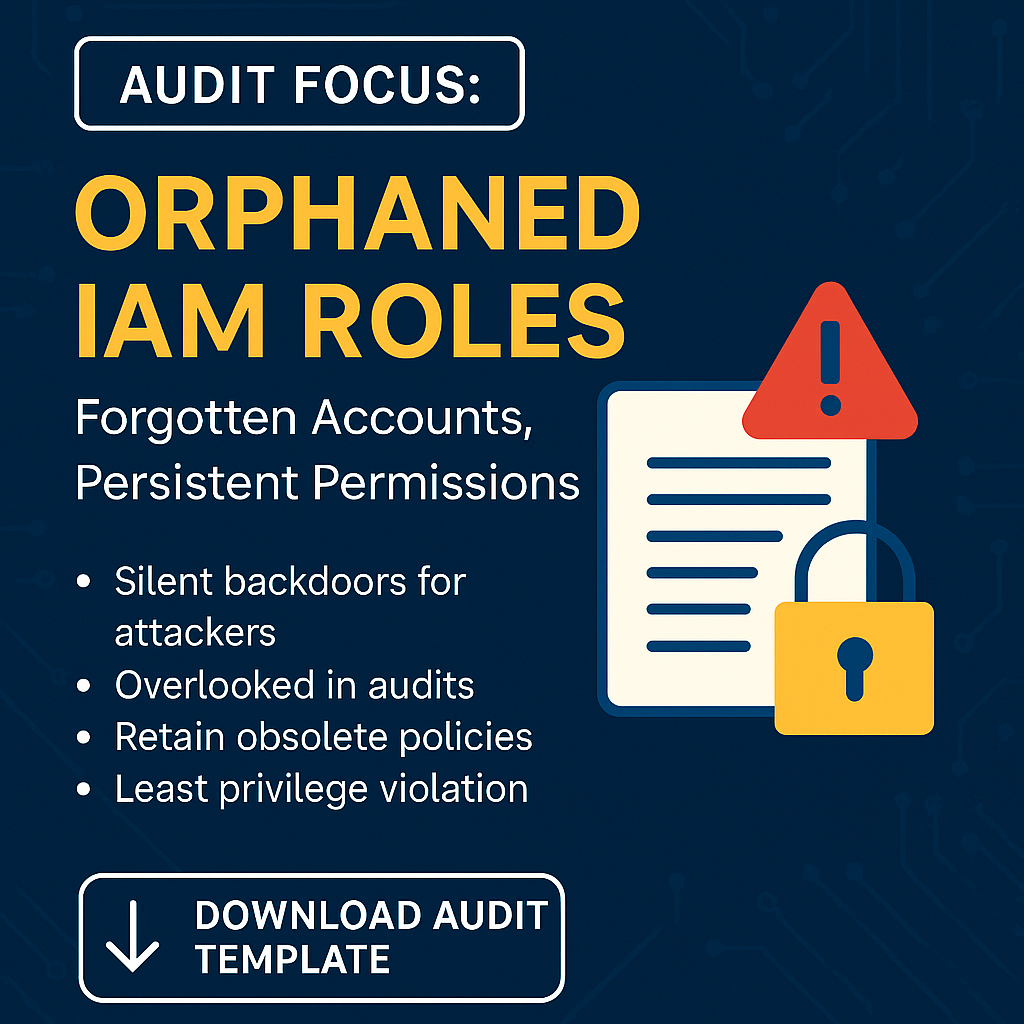
🔍 Audit Focus:
Orphaned IAM Roles — those roles with no attached users, services, or active session logs — are silent security threats. They linger long after their purpose is gone, often with permissions intact.
🚨 Why Orphaned Roles Are a Red Flag:
- Silent Backdoors: Attackers often exploit forgotten roles for lateral movement.
- Audit Blind Spots: These roles don’t show up in regular user activity reports.
- Policy Drift: Roles might retain outdated or over-permissive policies.
- Violation of Least Privilege: Unused access = unnecessary risk.
✅ CloudCSF Audit Action:
Use the following checks:
- 🔹 List all IAM roles with no recent usage (last 90 days).
- 🔹 Identify roles not linked to any service or instance profile.
- 🔹 Flag roles with wildcard or admin permissions.
- 🔹 Cross-check against project timelines to confirm they’re obsolete.
- 🔹 Document reason for retain or remove in a governance tracker.
📦 Free Download:
Grab our exclusive “Orphaned IAM Role Audit Template (XLSX)”
📥 [Link will be added after generation]
🧠 CloudCSF Pro Tip:
➡️ Automate orphaned role detection in your CI/CD pipeline or with your SIEM. Set up alerts when a role has been idle for 60+ days.
🚀 Why It Matters:
Cleaning up orphaned roles isn’t just a cleanup task — it’s a proactive security posture enhancement. Secure identities = secure cloud.