
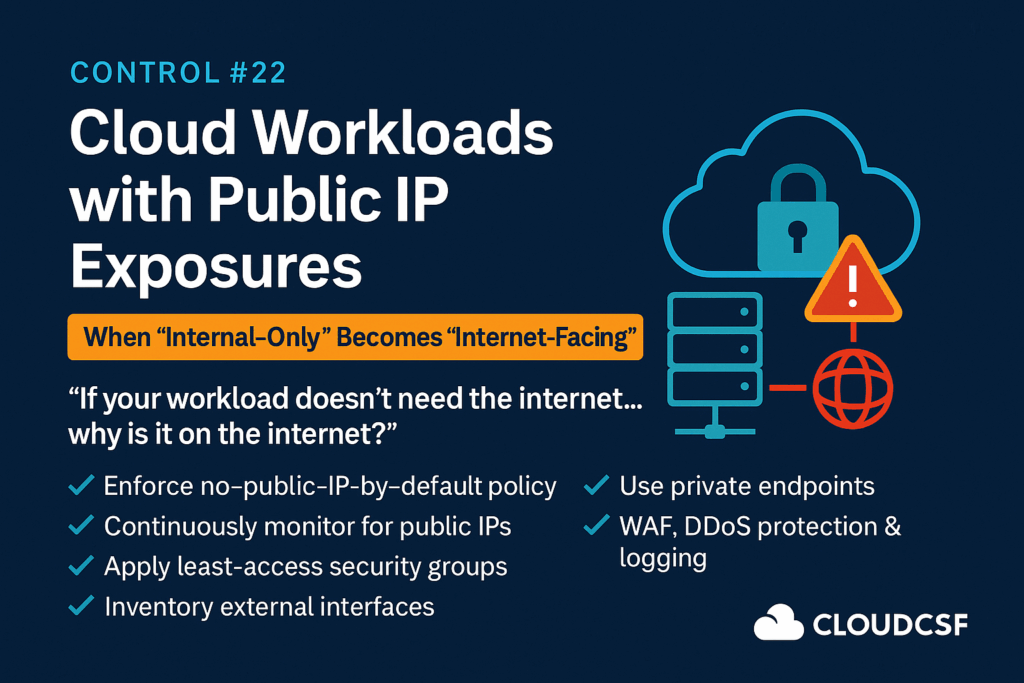
🛡️ Control #22: Cloud Workloads Exposed via Public IP – The Silent Risk You Missed
🌩️ CloudCSF – Day 23
Control #22: Public IP Exposures — When “Internal-Only” Becomes “Internet-Facing”
“If your workload doesn’t need the internet… why is it on the internet?”
🧨 What’s the Hidden Risk?
Cloud workloads like EC2, Azure VMs, GCP instances, and containers are often:
- Launched with public IPs by default
- Not restricted by security groups or firewalls
- Missed by internal audits because they’re not mapped to DNS
A single forgotten IP can be the breach vector.
🔥 It takes 5 minutes for public IPs to be scanned after launch.
🕵️ Real Case Studies
| Incident | Impact |
|---|---|
| Capital One (2019) | WAF misconfigured with public endpoint — 100M records breached |
| Docker Hub Attack | Compromised image used public workload to mine crypto |
| Tesla | Kubernetes dashboard exposed — credentials leaked publicly |
🔬 Common Mistakes
- ✅ Workloads spun up from templates with default public IPs
- ✅ NAT Gateway not configured for egress-only traffic
- ✅ Security groups allow
0.0.0.0/0for SSH or RDP - ✅ WAF not protecting external traffic
- ✅ No mapping between workload → public IP → DNS or App
📏 CloudCSF Public IP Exposure Control Framework
- Enforce No-Public-IP-by-Default Policy
- Use policies (e.g., SCPs, Azure Policy, GCP Org Policy)
- Block deployment of resources with public IPs unless tagged
- Continuously Monitor for Public IP Leaks
- Use CSPM tools like Wiz, Prisma Cloud, Orca
- Use AWS Trusted Advisor / Azure Defender / GCP Security Command Center
- Apply Security Groups with Principle of Least Access
- Deny
0.0.0.0/0unless absolutely needed - Use IP whitelisting or SASE tunnels
- Deny
- Inventory & Tag External Interfaces
- Maintain asset inventory of all public IPs
- Tag workloads with
Internet-Exposed,Internal-Only, etc.
- Use Private Endpoints for SaaS and Internal Services
- Avoid accessing internal DBs, storage buckets, SaaS apps via public route
- Use VPC Peering, Private Link, or Transit Gateway
- WAF, DDoS & Logging
- Ensure WAF (e.g., AWS WAF, Azure Front Door) is protecting public IP
- Enable logging (VPC Flow Logs, NSG logs, firewall logs)
🔐 Exposure Maturity Levels
| Level | Description |
|---|---|
| 🔴 L0 | No inventory of public IPs; ad hoc exposure |
| 🟠 L1 | Some controls, but no continuous scanning |
| 🟡 L2 | IP scanning with basic alerts |
| 🟢 L3 | Proactive control using IaC, policies, tagging |
| 🔵 L4 | Autonomous risk detection + self-healing scripts |
🧰 Tools & Automation
- 🛡️ CSPM: Wiz, Orca, Lacework, Prisma
- 📦 Inventory: AWS Config + Athena, GCP Asset Inventory
- 🔍 Detection: Shodan, Censys (external), SecurityTrails
- 🔁 IaC: Terraform policies to deny public IPs
🎁 Free Download:
Public IP Exposure Audit Tracker – Excel/PDF
Track all workloads with public IPs across your cloud estate.
📆 Tomorrow’s Post:
Day 24 – Control #23: Misconfigured Load Balancers – The Silent Exposer of Internal Apps